


 Hotline: 0855.911.911
  RSS
RSS 





With what is considered the biggest upgrade in years, Google Maps It has dramatically transformed from familiar 2D maps to vibrant 3D spaces thanks to Immersive Navigation technology.
The combination of AI, satellite data, and Street View allows users to observe routes in more detail than ever before – from lanes and buildings to the actual terrain.
This article will guide you on how to view 3D map mode on Google Maps With just a few simple steps, navigating becomes more intuitive and easier.
What are 3D maps on Google Maps?
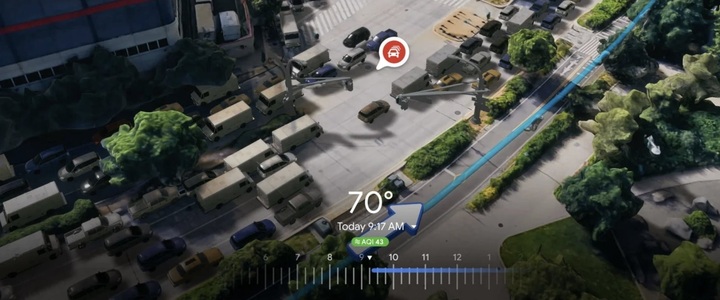
3D maps are a new step forward in Google Maps' navigation system, designed in a modern style. "Role-playing guide" (Immersive Navigation).
Instead of simply displaying images on a flat surface, this technology delivers three-dimensional images, with buildings, streets, and surrounding landscapes recreated to closely resemble reality.
Thanks to this feature, users can easily visualize their position in space, especially when moving through complex areas such as city centers or major traffic intersections.
What are the highlights of the Google Maps update?
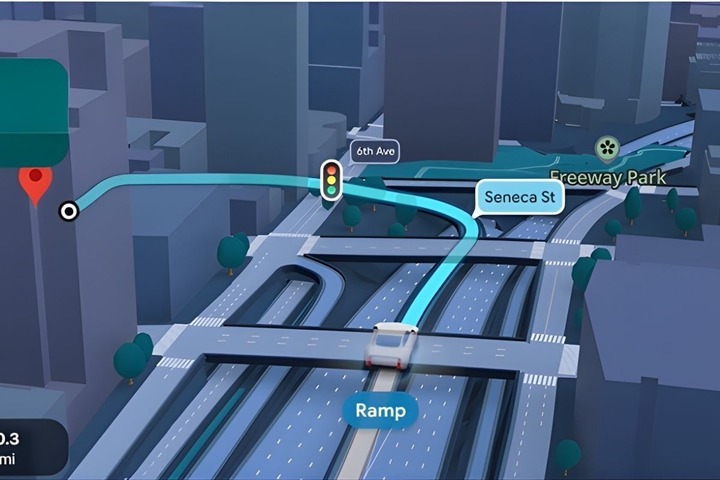
One of the highlights is the Immersive Navigation feature, which provides real-time navigation with intuitive 3D visuals. This feature helps users easily identify turns and directions while driving.
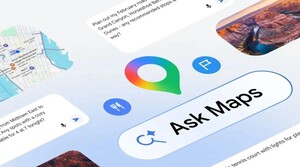
Additionally, Google has integrated Ask Maps, an intelligent AI assistant, allowing users to search for locations more naturally.
Instead of typing rigid keywords, users can ask questions as if they were chatting with a local, and the system will provide relevant suggestions based on the context.
How to view 3D maps on Google Maps with Immersive Navigation
To experience 3D mode, you just need to perform a few simple steps right on your phone.
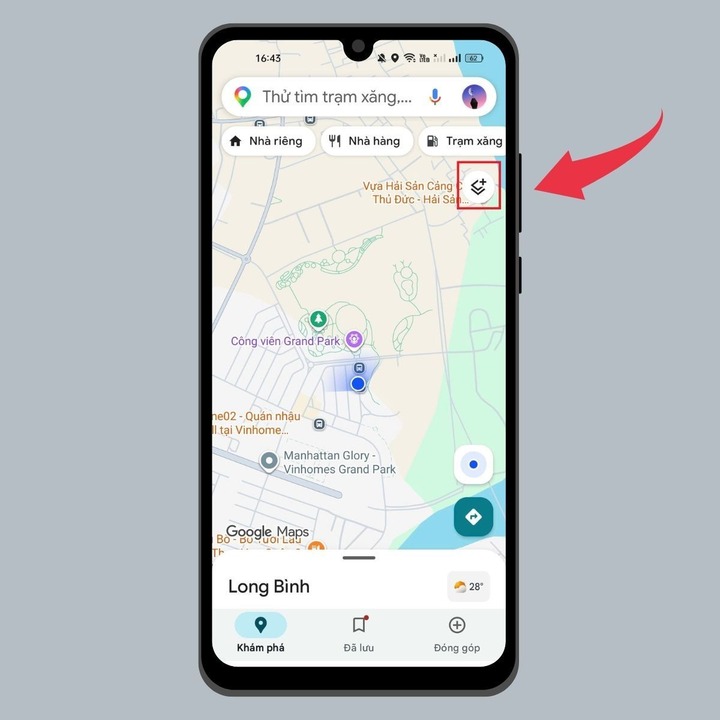
Step 1: Open the Google Maps app, then tap the icon. "Map layer" in the corner of the screen.
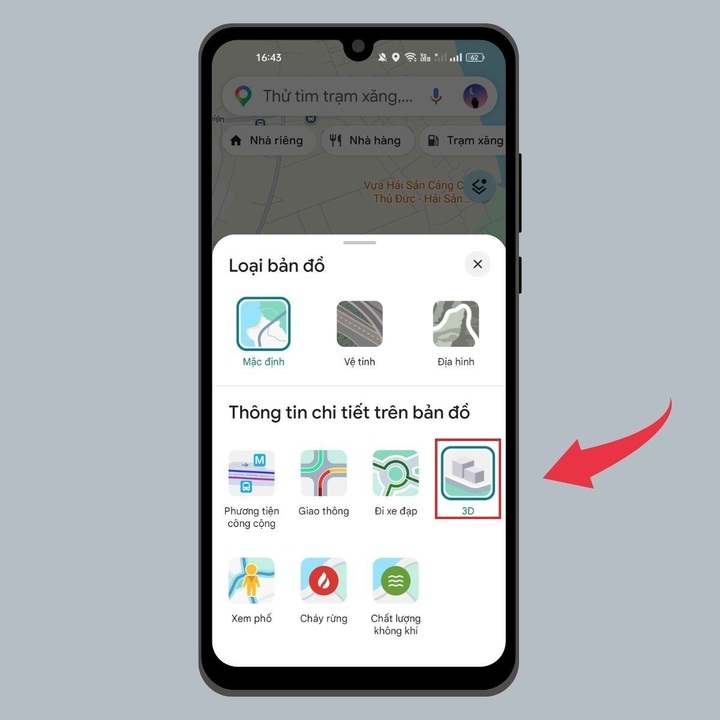
In the display options, select 3D mode to activate.
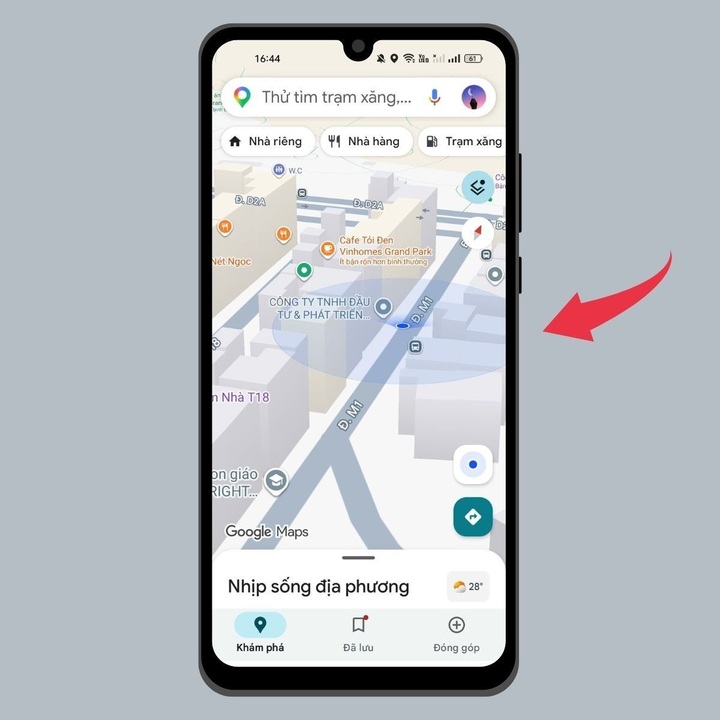
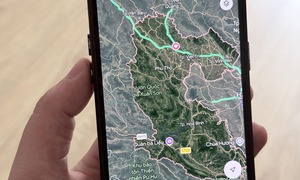
Step 2: After enabling 3D, use two fingers on the screen and swipe upwards to switch to the tilted view. At this point, buildings and terrain will appear three-dimensional, creating a more realistic sense of space.
Benefits of using 3D map mode
Switching to 3D map mode not only makes the map more appealing but also offers many practical benefits for users.
Firstly, the 3D mode allows users to visually observe the route, easily comparing it with the surrounding environment to determine the precise location.
This is especially useful when traveling in crowded areas or when visiting a new place for the first time.
Furthermore, at complex intersections such as overpasses or multi-level roundabouts, the 3D map clearly displays each lane and direction, minimizing the risk of taking the wrong route or missing turns.
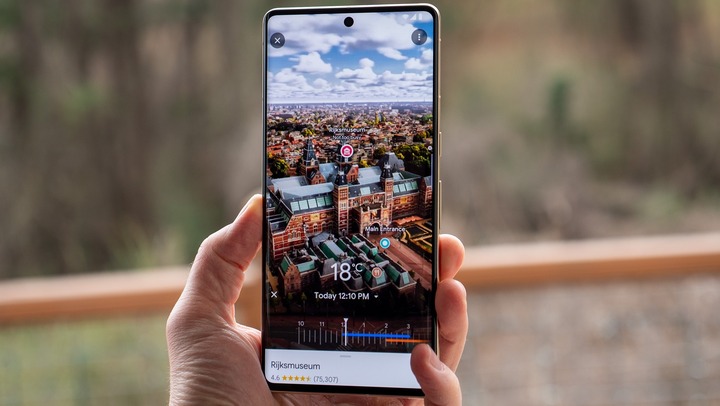
Combined with artificial intelligence (AI), Google Maps also provides intelligent search features, suggesting locations based on users' actual needs, such as cafes with beautiful views, the nearest pharmacies, or suitable restaurants.
The 3D map mode on Google Maps has elevated the navigation experience to a whole new level, making it much more intuitive and immersive.
With just a few simple steps, users can explore the map in a completely different way, making navigation more accurate and enjoyable.
To fully leverage the power of next-generation mapping technology, be sure to update your app to the latest version to experience all the latest AI features.


 Comment