



 Hotline: 0855.911.911
  RSS
RSS 





Whether to shut down or put a computer into sleep mode usually depends on personal preference and usage habits. Closing the lid of a laptop or putting a desktop computer into sleep mode is often faster than completely shutting it down.
Sleep mode allows the device to restart quickly, keeping open applications and browser tabs. However, to make the right decision between these two options, users need to understand the benefits of each method and how they suit their needs.
Turning off your computer can help reduce battery drain on laptops and save energy, especially when not in use for extended periods. Conversely, sleep mode may be a better option for devices equipped with power-saving technology, particularly when using battery power.
The decision between shutting down and going to sleep also depends on the operating system you're using, as each operating system handles them differently.

When should you put your computer into sleep mode?
Sleep mode is ideal for short breaks, allowing users to quickly resume work without waiting for a restart.
However, users should note that the device still consumes a certain amount of energy in this mode. Therefore, sleep mode should only be used when you expect to use the computer for a short period of time or when the computer is always plugged in.
Windows laptops offer various sleep modes, including normal sleep and hibernation. Normal sleep consumes very little energy, while hibernation is even more energy-efficient, making it suitable for extended periods of inactivity. For desktop computers, users can put them in sleep mode during short breaks.
For Macs, sleep mode also helps save energy and allows for faster restarts. Users can customize battery settings to reduce power consumption, such as preventing the computer from restarting after certain operations.
When should you turn off your computer?
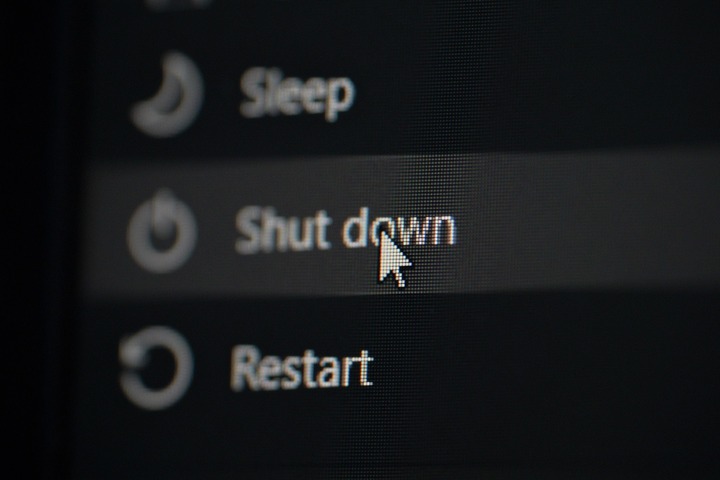
If you don't plan on using your computer for several days, it's best to turn it off instead of putting it to sleep, especially with battery-powered devices.
Although sleep mode reduces energy consumption, computers still consume a certain amount of electricity. The macOS operating system uses a safe sleep mode, which saves the computer's state and prevents data loss.
Windows also saves work in sleep mode, but Modern Standby mode can consume more power as the computer performs background tasks. Therefore, shutting down the computer is a sensible option when not in use for extended periods.
Additionally, users should turn off their computers if not using them overnight to save electricity. Turning off laptops when not in use for extended periods also helps extend the device's lifespan, prevent damage from high temperatures, and free up RAM memory, helping to resolve temporary errors.



 Comment