



 Hotline: 0855.911.911
  RSS
RSS 


Slow Wi-Fi due to high user volume during Tet holiday: Do this immediately!
Multiple devices accessing the internet simultaneously during family gatherings on the Lunar New Year can cause Wi-Fi congestion, and here's how to fix it.





Multiple devices accessing the internet simultaneously during family gatherings on the Lunar New Year can cause Wi-Fi congestion, and here's how to fix it.

When leaving home, should you turn off Wi-Fi to protect your devices and save money, or should you leave it running in the background for convenience?
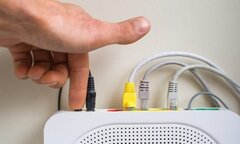
In this article, we will explore the benefits and drawbacks of turning off your Wi-Fi router every day.
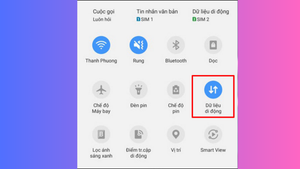
Many users wonder whether they should turn off mobile data when their phone is connected to WiFi to avoid wasting data.
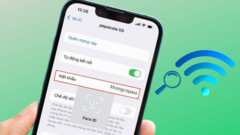
In less than a minute, you can view your WiFi password on Android with simple and quick steps.

Wi-Fi is now available almost everywhere, but how can you access free Wi-Fi when most networks require a password?
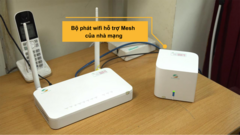
To address Wi-Fi dead zones or weak, intermittent signals in locations far from the router or in blind spots, many people choose to use Wi-Fi Mesh.
Instead of relying on Wi-Fi, users can take complete control and enjoy a more convenient and comfortable life with the use of 4G networks.
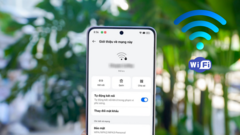
Many people may not know that any WiFi network connected to an OPPO phone saves all information about that WiFi network, including the password.

Have you ever wondered why your home Wi-Fi is so slow? There are many reasons for this, and the solutions aren't difficult at all.
Refer to the instructions below on how to activate Wi-Fi Calling on Android and iOS to use a new communication method even without cellular signal.
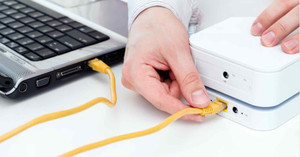
When leaving the house, users are often advised to turn off Wi-Fi and any network-connected devices they are using at home.
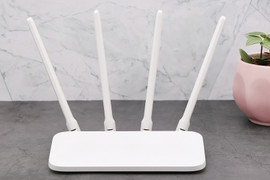
Technology experts say there's a rule about distance that helps make Wi-Fi signals stronger; have you ever heard of it?
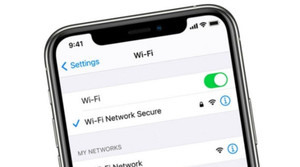
Losing Wi-Fi on your iPhone can be frustrating and disrupt your usage. Do you know how to fix this problem?
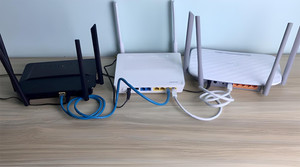
The placement of the Wi-Fi router affects both the quality of internet coverage and the health of users during use.
Many household appliances can cause Wi-Fi problems.
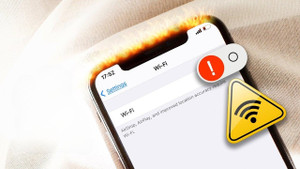
If you suddenly see an exclamation mark next to your Wi-Fi icon while using your phone and don't know how to fix it, please refer to the article below.

Whenever heated, this rock can emit Wi-Fi.
Slow internet speeds can disrupt your work and entertainment. Don't overlook these simple yet effective solutions.
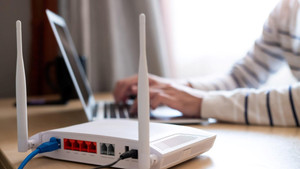
Many items in our homes slow down Wi-Fi signals, but not everyone knows this.
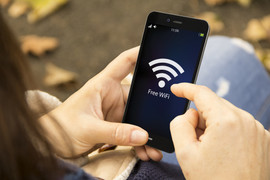
Many people have a habit of using free public networks; to avoid having your information stolen, remember to use tools to detect fraudulent WiFi hotspots.
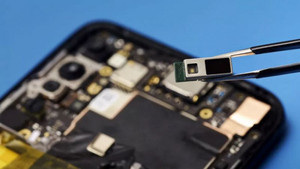
The Institute of Electrical and Electronics Engineers (IEEE) has adopted 802.11bb as a standard for light-based wireless communication, a new standard known as Li-Fi.

Hedy Lamarr, the "mother" of the precursor technologies to Wifi, GPS, and Bluetooth, was dubbed "the most beautiful woman in the world," yet her life was full of ups and downs.
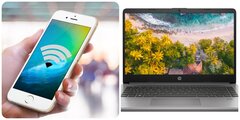
Here's the simplest way to share Wi-Fi from your iPhone to your computer, something anyone can do.
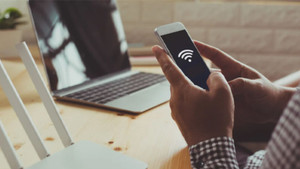
How to change your Wi-Fi password using your phone is a topic of interest to many users.
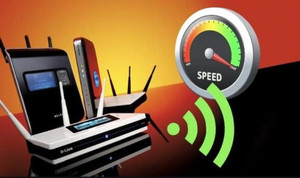
When leaving home for an extended period, you should turn off or unplug electronic devices, including Wi-Fi.
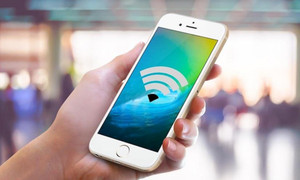
Do you find that your iPhone always has more trouble connecting to Wi-Fi than other people's phones? Why is that, and how can you fix it?

Mexico City has been recognized by the Guinness World Records as the city with the most free Wi-Fi hotspots in the world.

Many items can interfere with Wi-Fi connectivity without users even knowing it.
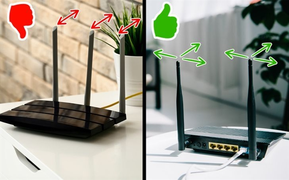
Sometimes, just a few simple steps, such as moving your router, are enough to improve your home Wi-Fi signal quality, so you don't get frustrated by an unstable connection.